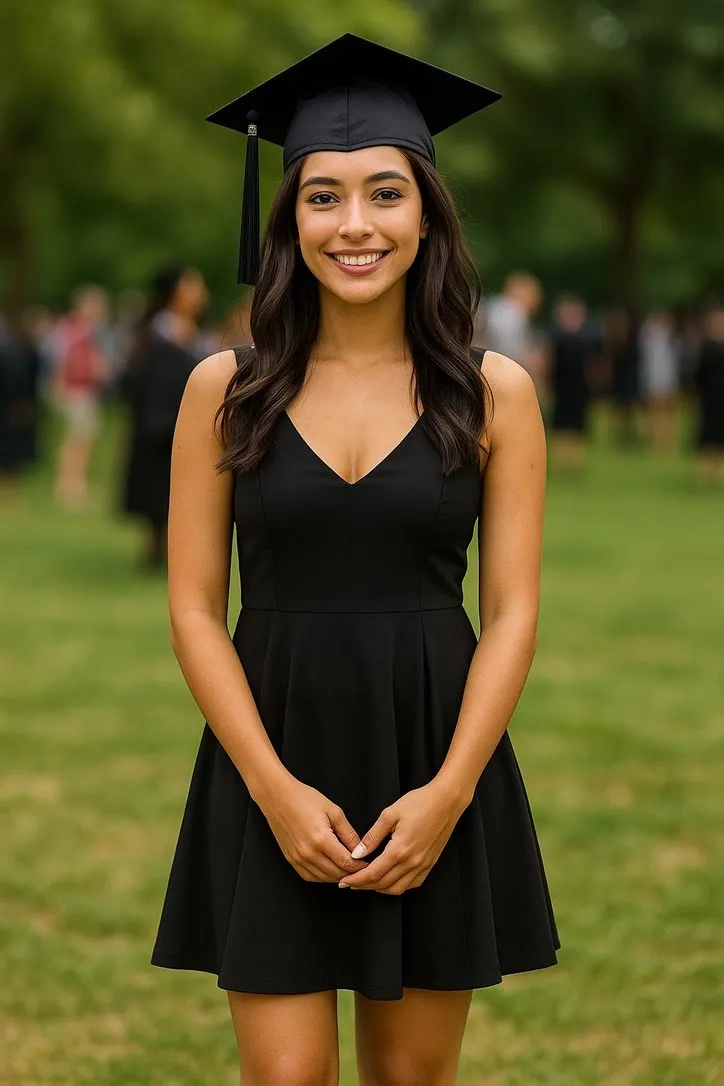
Photo animation, done properly
Make a still photograph move
AI Video turns one picture into a short clip of a chosen movement. Whether that looks real or looks wrong is decided before you tap anything, by the photograph you picked. This site documents every action in the app and tells you which picture each one needs.
60+ actions documentedEvery category in the appiPhone and iPad
What the app doesAI Video for iPhone and iPad
Actions60+Every movement preset in the app, each with its own page
Categories12Dance, sport, music, landmarks, everyday life and more
Clip length5sWhat the default model in the catalogue produces
Languages10The app ships in ten; this site is written in English
PriceFree*Two videos a day at no cost, no account to start
* Free to download. Two videos a day at no cost; beyond that, credit packs or a Pro subscription.
Inside the appiPhone and iPad
One photo in, one short clip out
There are no layers, no keyframes and no timeline. The entire interface is a library of movements and a picker for your photograph, which is why picking the right movement is the only skill involved.
01
Pick the photograph
One still image from your camera roll. It is sent to the generation service, used to make your clip, and not kept for anything else.
02
Pick the action
One of the presets in the app's catalogue, from a salsa step to a selfie in front of the Opera House. This site exists to help you choose the one your photograph can actually carry.
03
Wait, then keep or redo
A clip of roughly 5 seconds comes back. It is generated, not filmed, so two runs of the same photograph give two different results.
The action screen
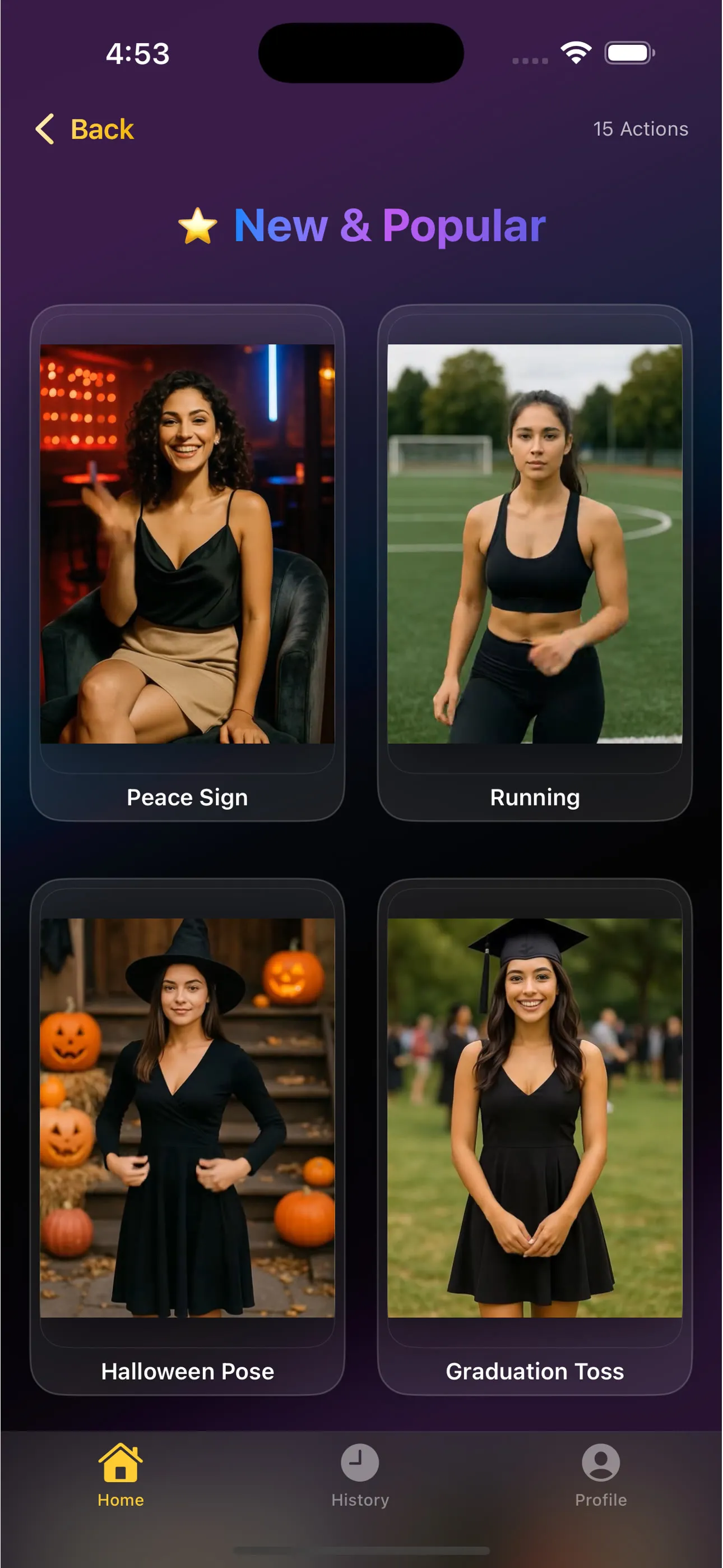
Every action shows you its preview first
The app puts the same still in front of you that this site does, so you can see what the movement is meant to look like before spending anything. What it cannot tell you is whether your photograph suits it. That is the gap this site fills, one action at a time.
See the whole action library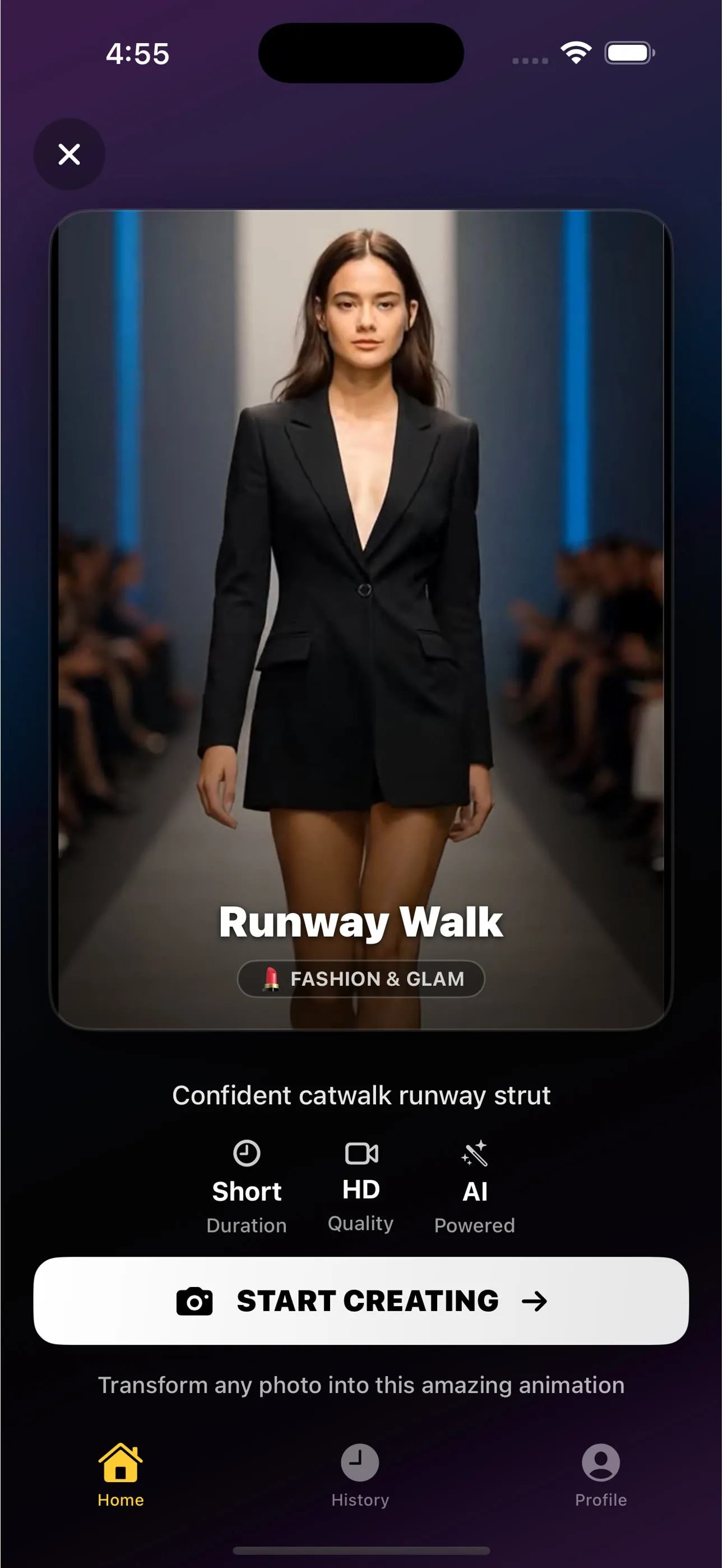
The action libraryThe whole library →
A shelf for every kind of movement
Read straight from the app's own catalogue when this page was built, so the library here and the library on your phone are the same list.
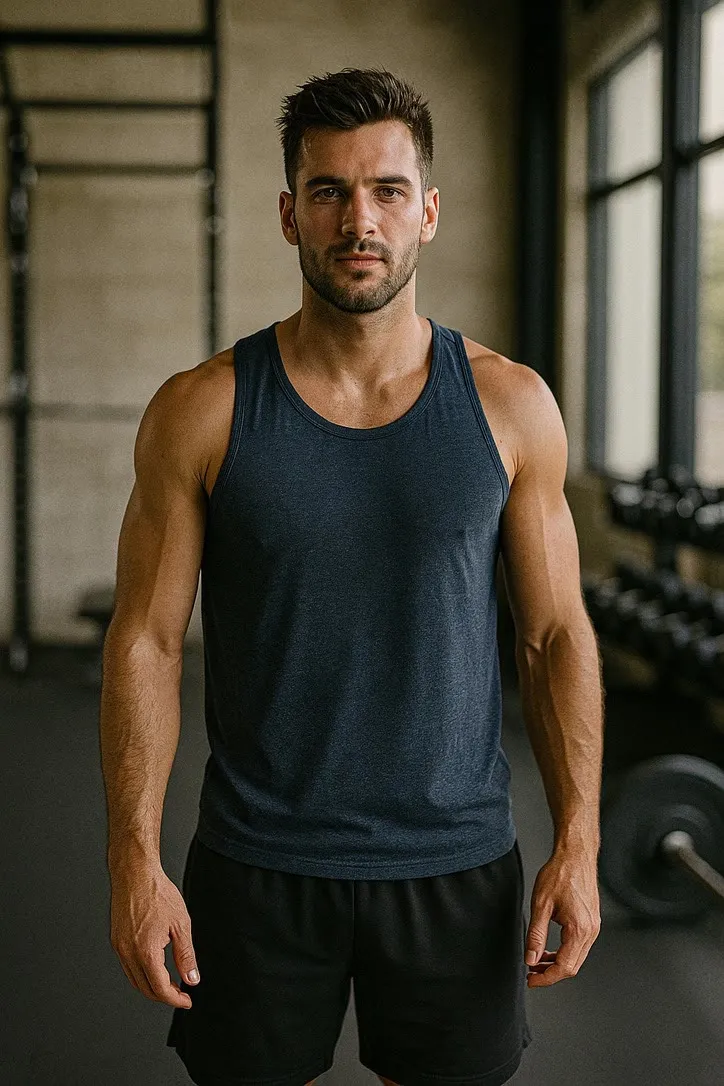
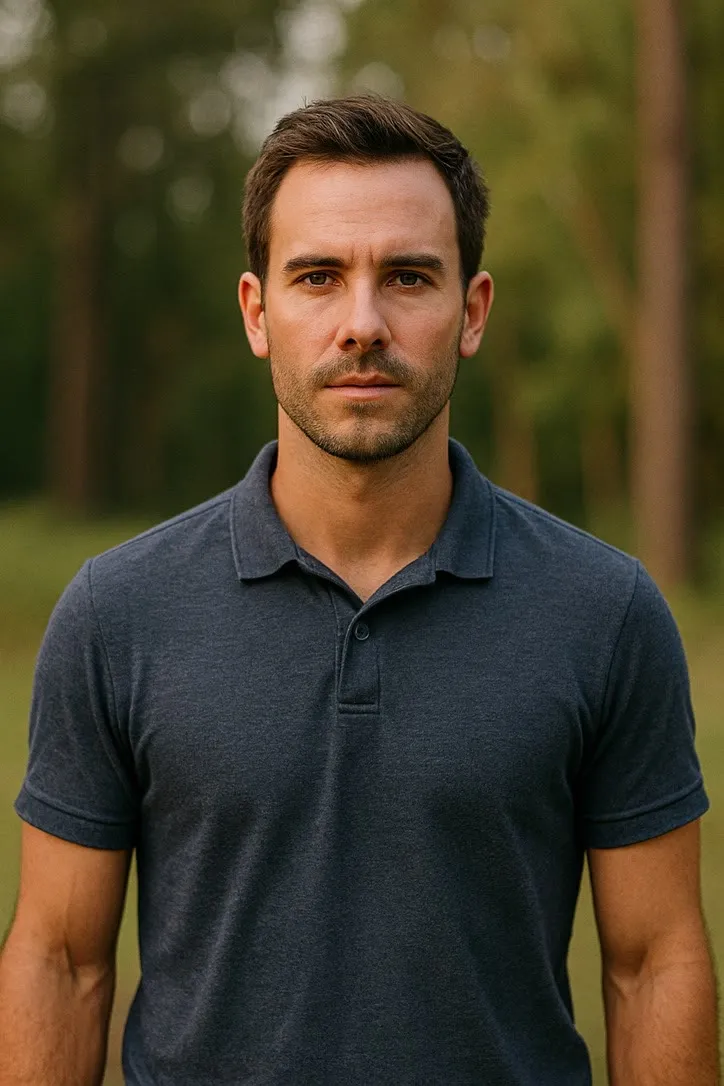
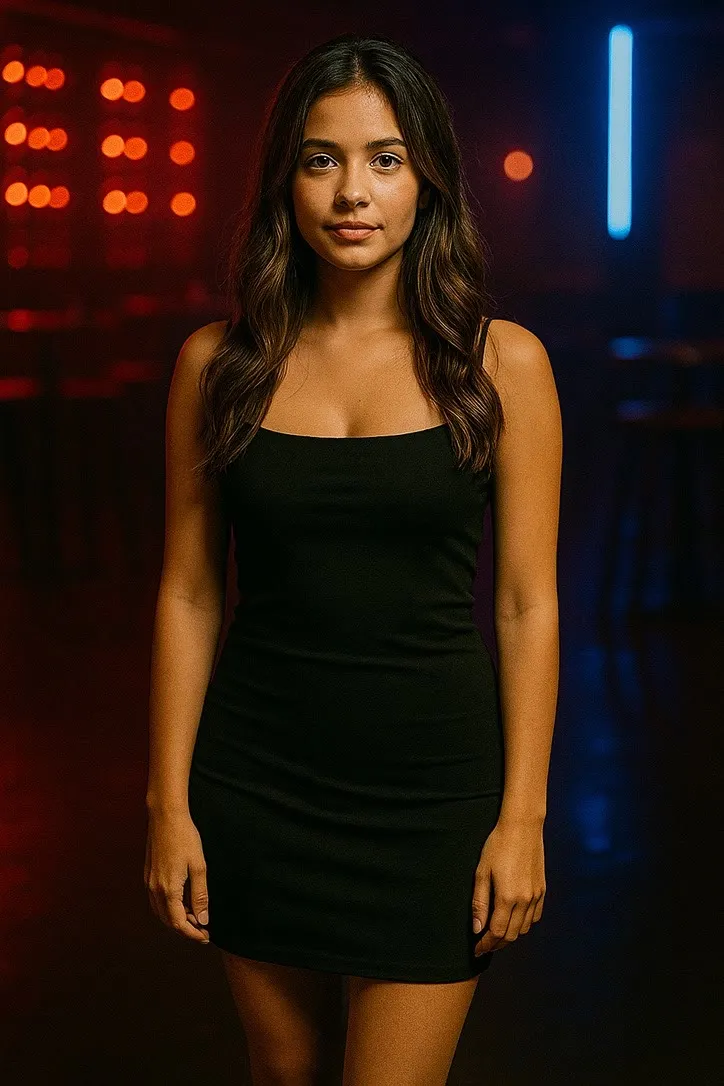
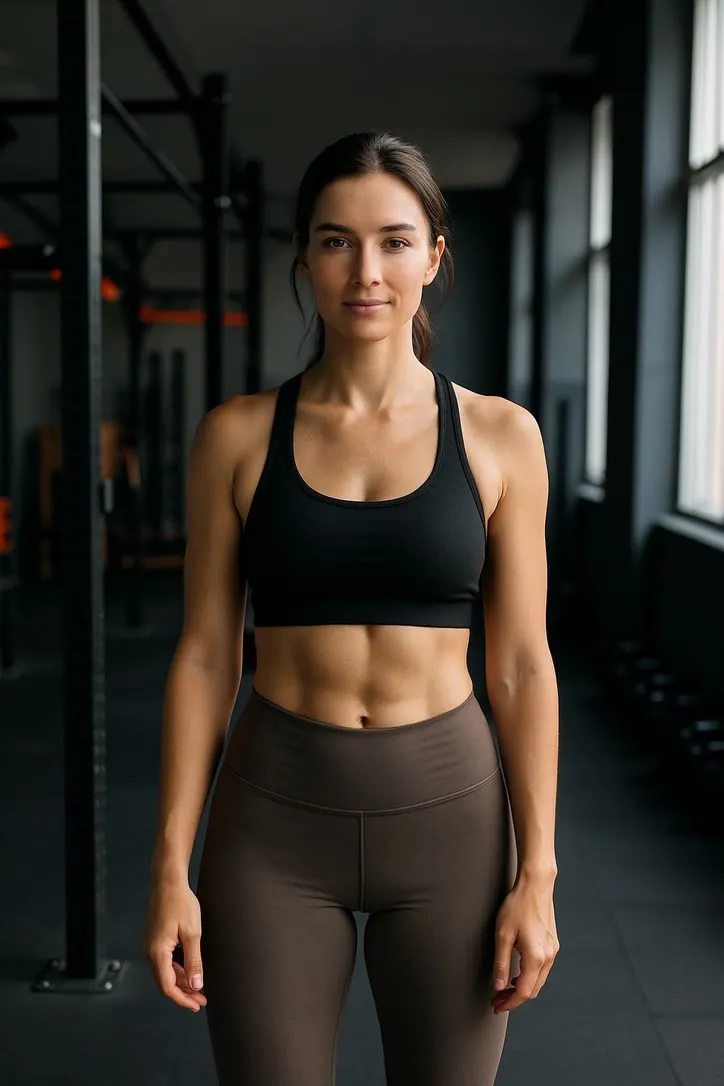
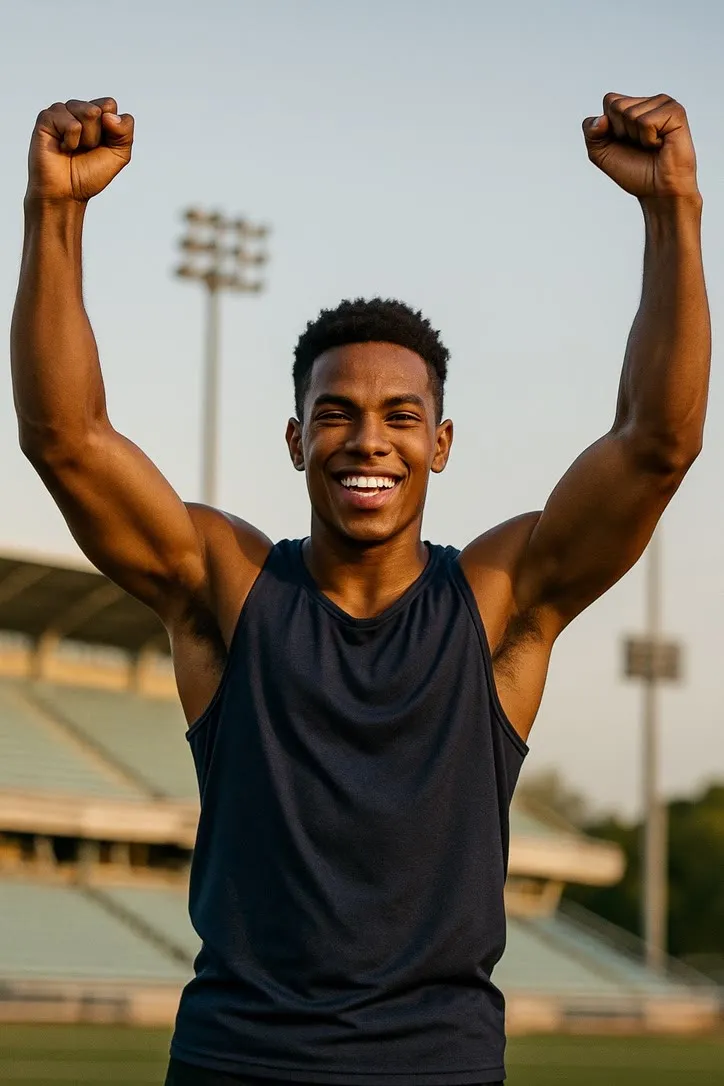
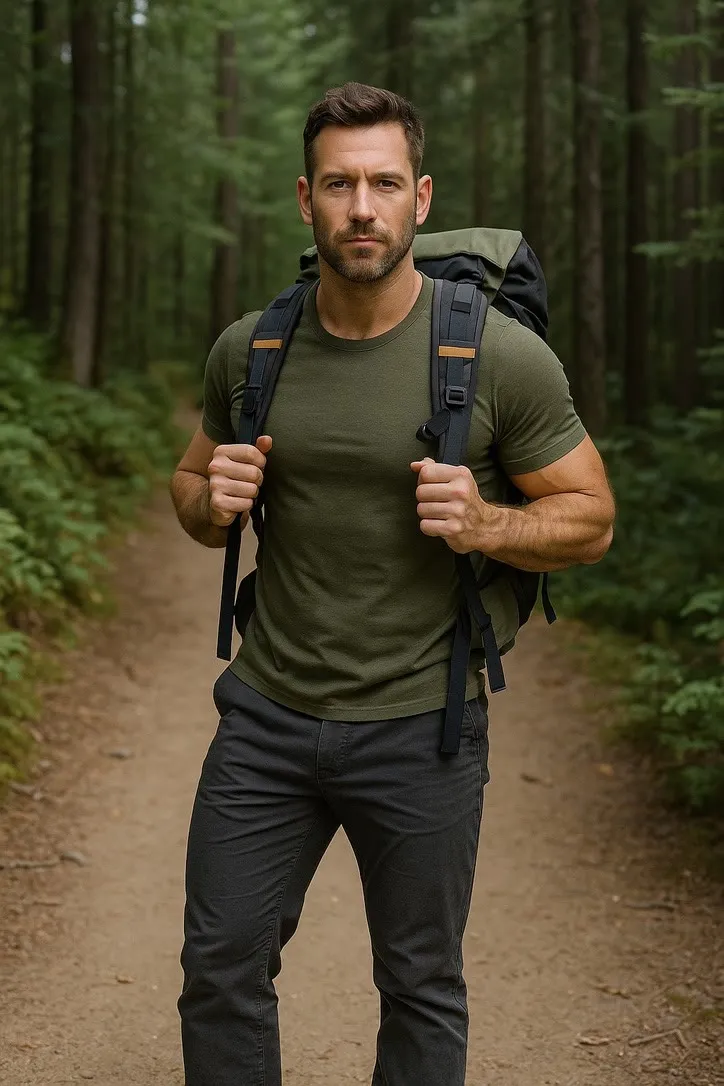
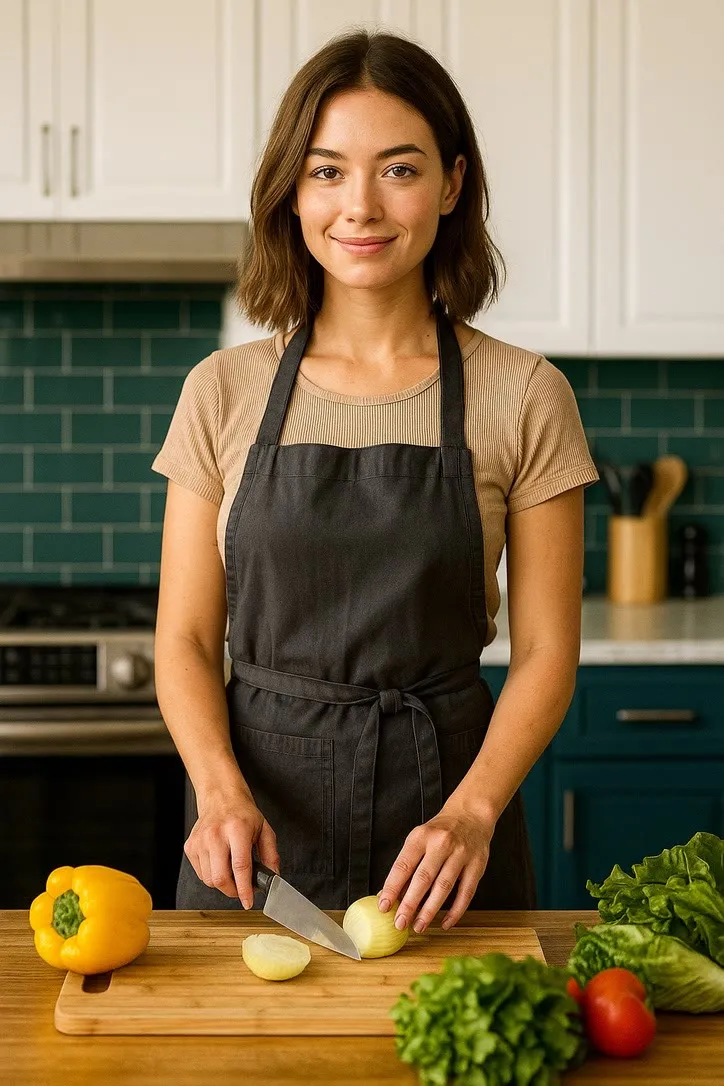
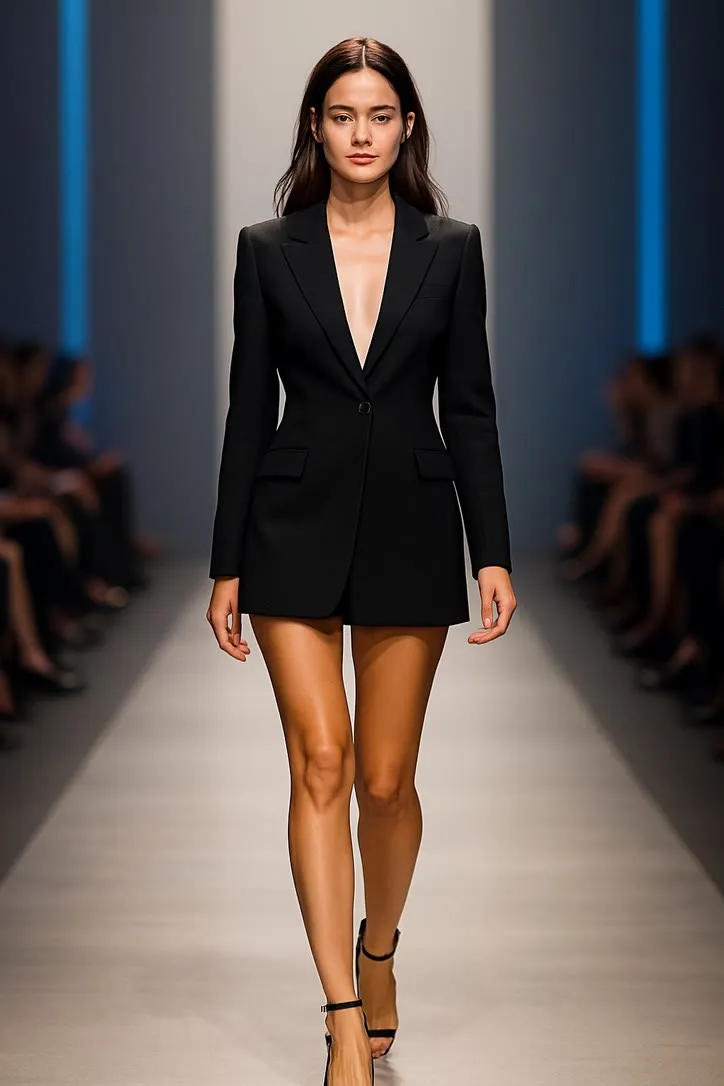
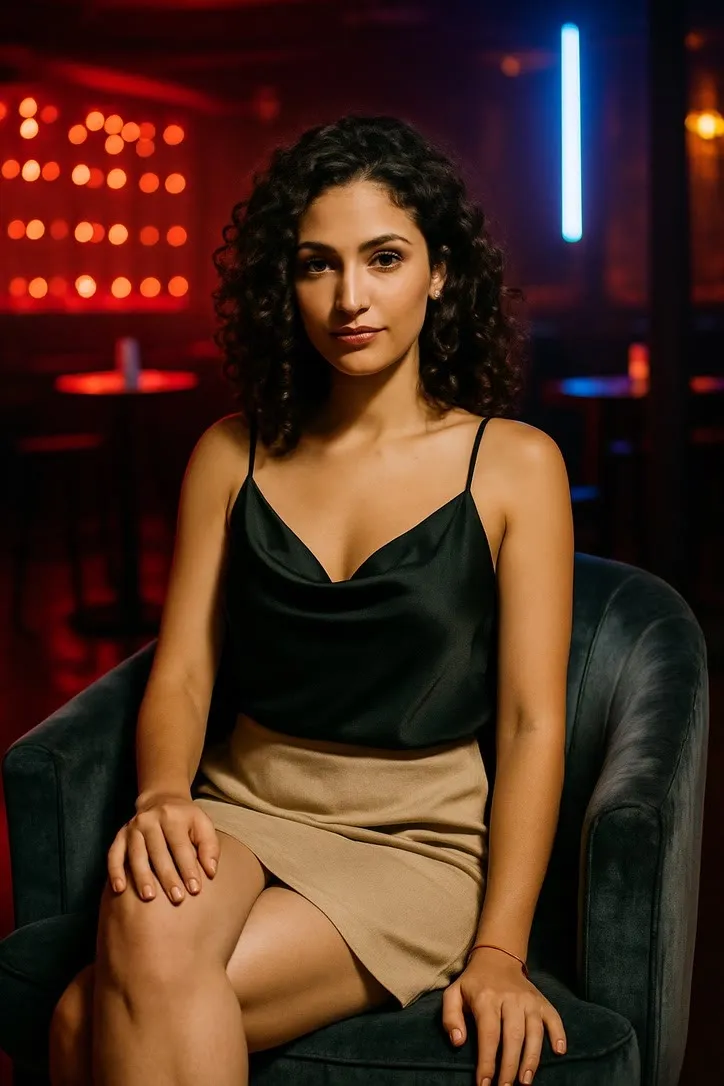
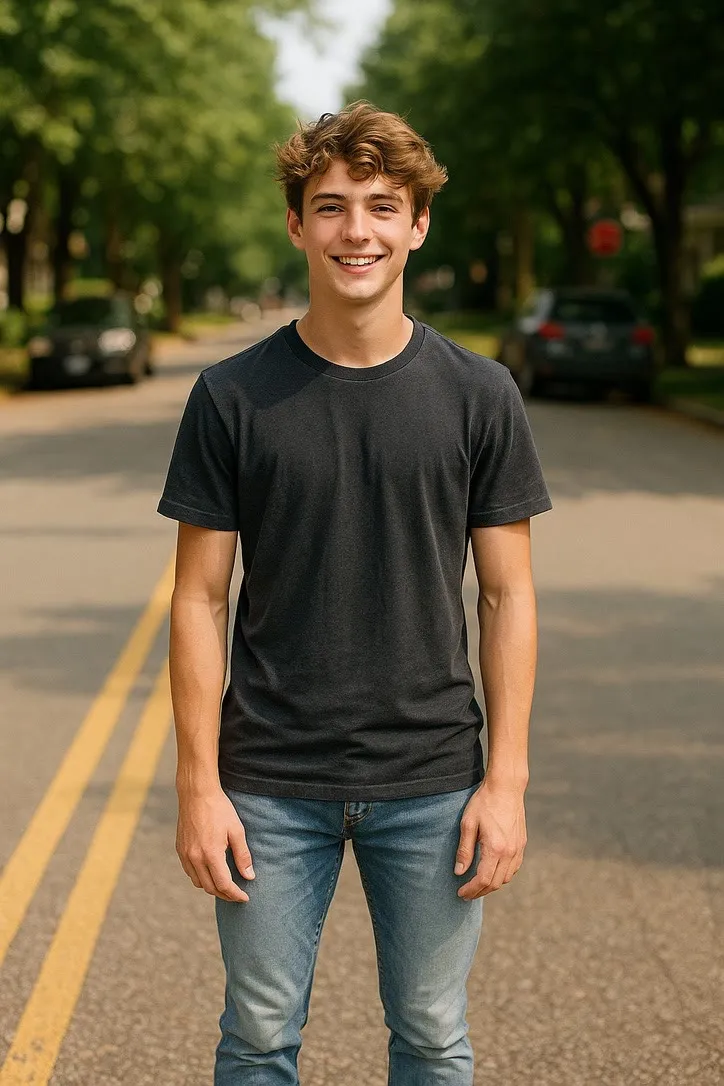
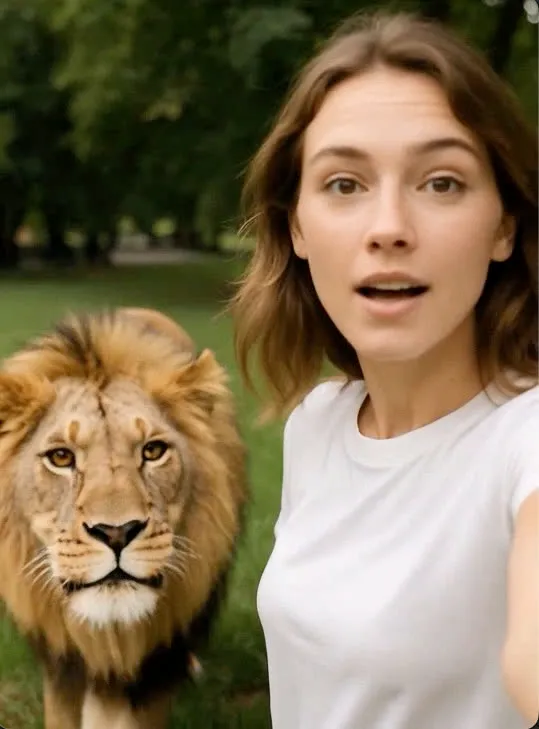
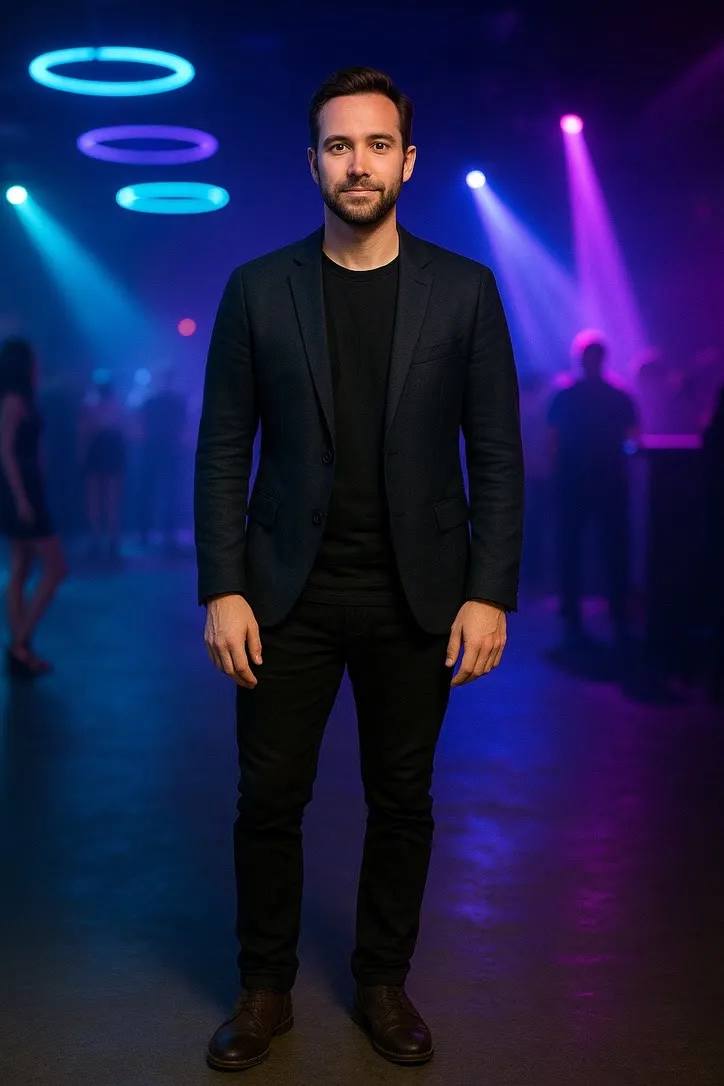
The methodIn full →
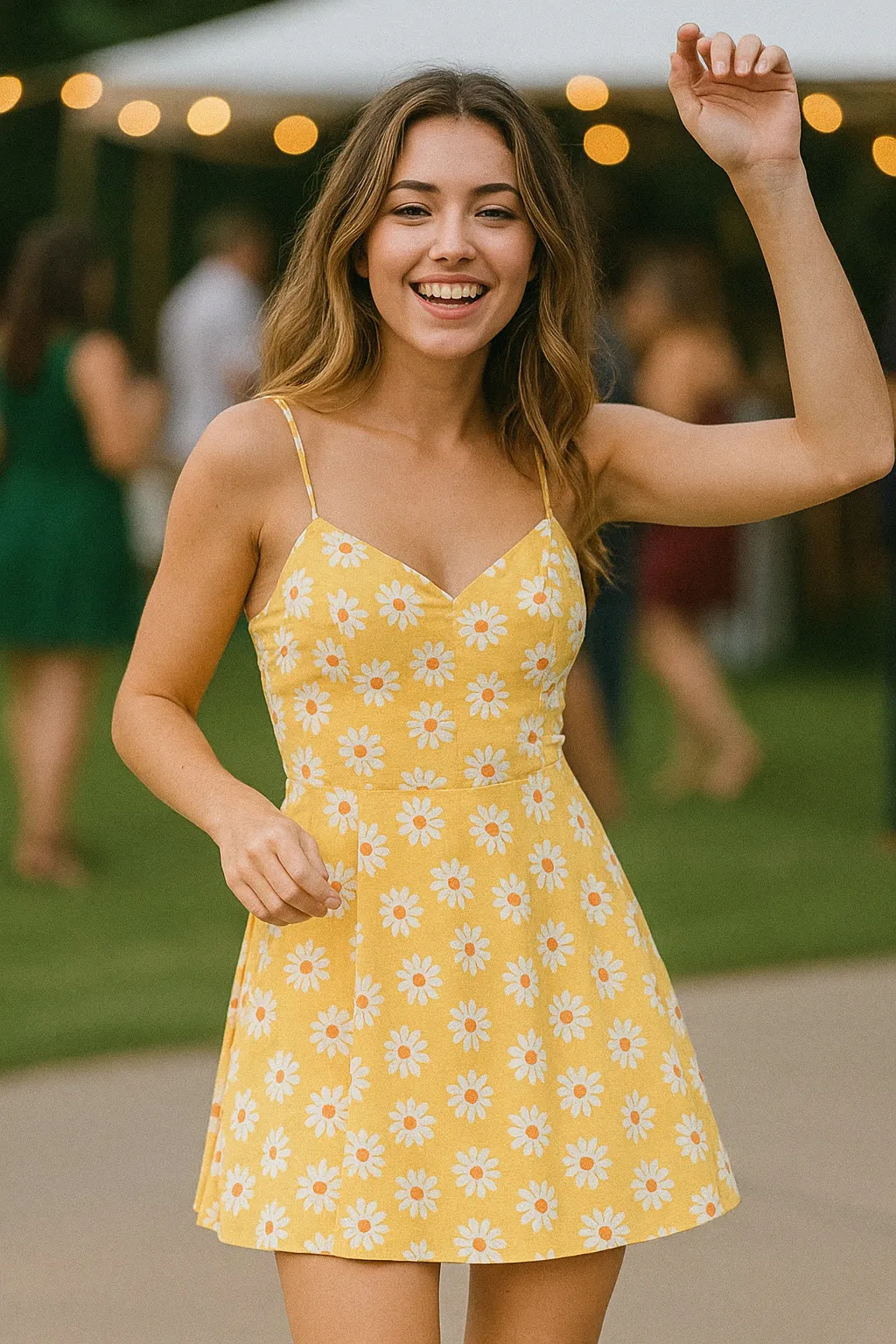
The photograph decides, not the preset
01
Include everything that has to move
A dance action cannot use a photograph cropped at the chest, because the legs it needs are not in the picture. Match the crop to the movement: face for an expression, hands for an instrument, head to feet for anything that travels.
02
Give the outline clean edges
The model has to work out where you stop and the background starts. Arms slightly away from the body, nothing crossing the torso, and a background that is not the same colour as your clothing all make that easier.
03
Light the face from the front
Soft, even light on the face beats resolution every time. Harsh overhead light, heavy backlight and a face turned past three quarters are the three most common reasons a result looks wrong in a way people cannot name.
04
Pick the action the photo already suggests
The closer the picture is to the action before anything moves, the less has to be invented. That is the whole method behind this library: choose the movement that fits the photograph you have, rather than forcing the photograph to fit a movement.
The honest part
What it cannot do
Every one of these is true of the whole category of image to video tools, ours included. A site that only listed the good parts would be an advert.
It invents the motion
The model has never seen the moment being animated. It produces a plausible version of the action from one still frame, not a recovery of something that happened. Treat the clip as an illustration, not a record.
Hands are the weak point
Fingers are the hardest thing in any generated frame, and every action here that depends on them, playing an instrument, a peace sign, applying lipstick, is harder than one that does not.
Faces drift over a clip
The larger and faster the movement, the more a face can shift away from the person in the source photograph. Smaller actions hold a likeness better than acrobatic ones.
Busy backgrounds smear
Anything detailed behind a moving body has to be reconstructed frame by frame. A plain wall, open sky or softly blurred scene survives that far better than a crowded room.
Written up in more detail beside the library itself.
Somewhere in your camera roll is the right photograph
Find the action that matches it rather than the one everyone else is using. Downloading is free and the first two videos each day cost nothing.
Get AI Video freeiPhone and iPad · No account needed to start